
90
Keychron
Keychron Q1 Max
- QMK/VIA fully programmable
- Hot-swappable switches
- Tri-mode: Bluetooth, 2.4GHz, USB-C
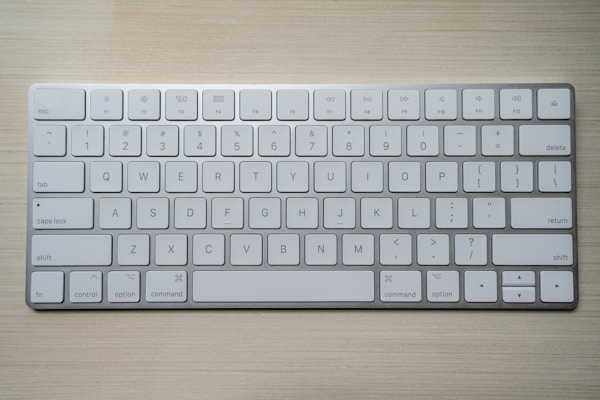
Essential for Mac desktop users. Touch ID on a desktop keyboard is genuinely transformative for unlocking, payments, and password autofill. The typing experience is clean and quiet, though mechanical keyboard fans will find it too shallow.
We don't display prices to avoid showing outdated information. Click any link to see the current price directly on the retailer's site.

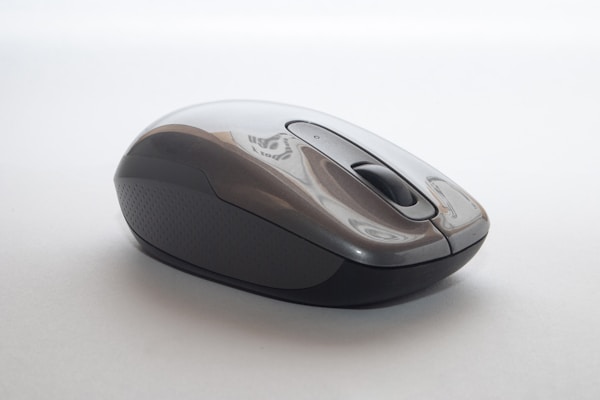
Touch ID works with Apple Silicon Macs (M1 and later). Intel Macs can use the keyboard but Touch ID won't function.
Yes, it works with iPadOS but Touch ID is only supported on Mac.
If you use your Mac at a desk regularly, absolutely. Touch ID saves time for login, Apple Pay, and password autofill dozens of times a day.